An Analog Lab bank loads sounds inside the instrument. A WAV pack supplies audio files. Choose the bank when you want to play the notes; choose audio when you want material to place, chop or sample.
Choose a beat license by the files you need and the release you’re planning. Here’s what the three SLAKIN tiers cover, and what stays the same when you move up.
Put the rough vocal into the arrangement early. Mark its important phrases, test which instrumental parts compete with them and use entrances, exits and contrast to shape the song.
A beat fits your voice when you can perform the song you want over it. Record a rough verse and hook on a small shortlist, compare the results, then check the files and license.
Send separate, clearly named vocal files that share a start point, plus a rough mix and a short note about the song. Agree on export settings with the person mixing it before you bounce everything.
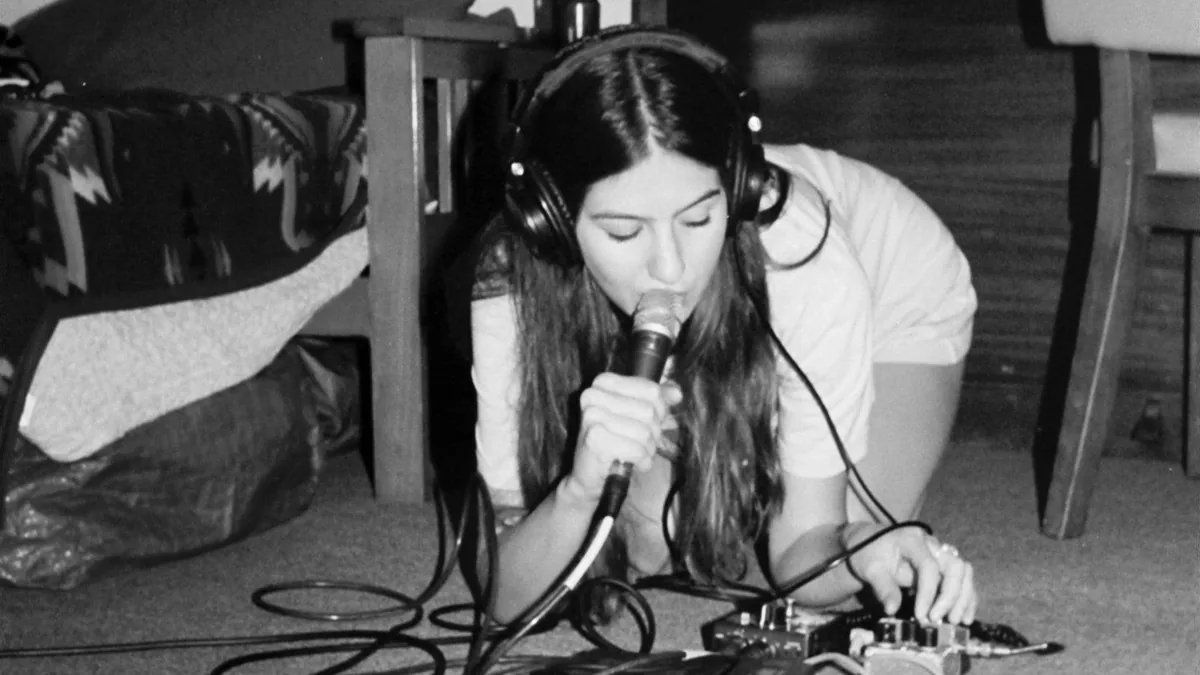
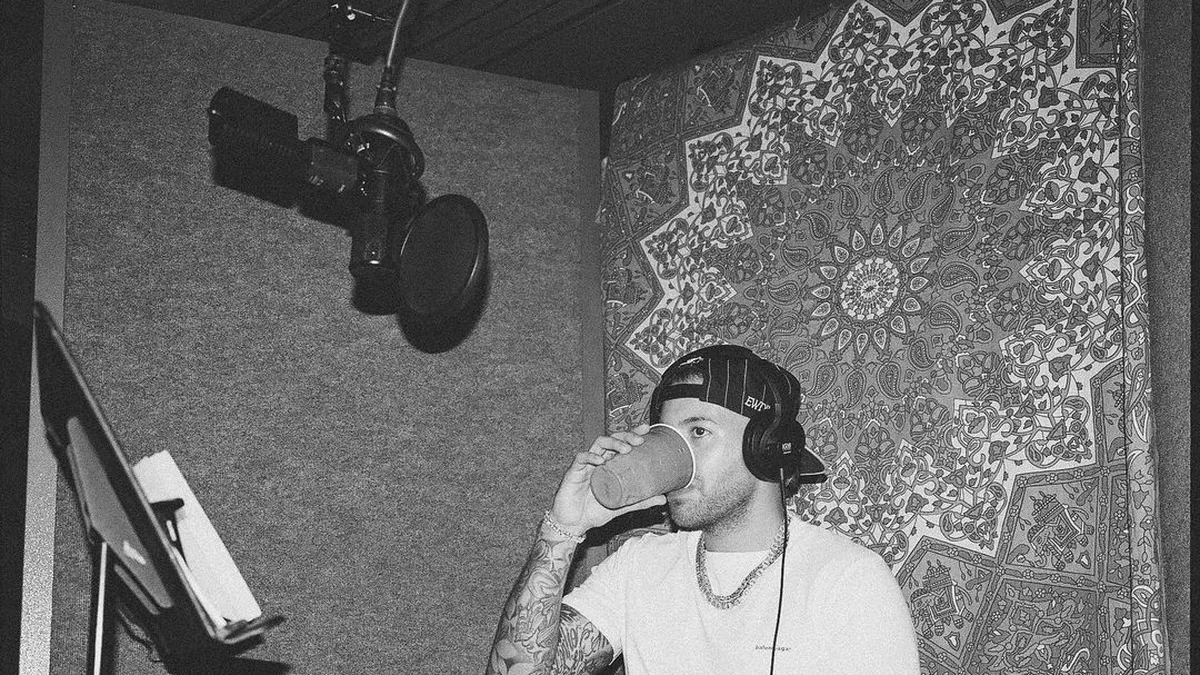
Start with a quiet location, a microphone position you can repeat and enough recording headroom for the loudest line. Make a short test recording before committing to the full performance.
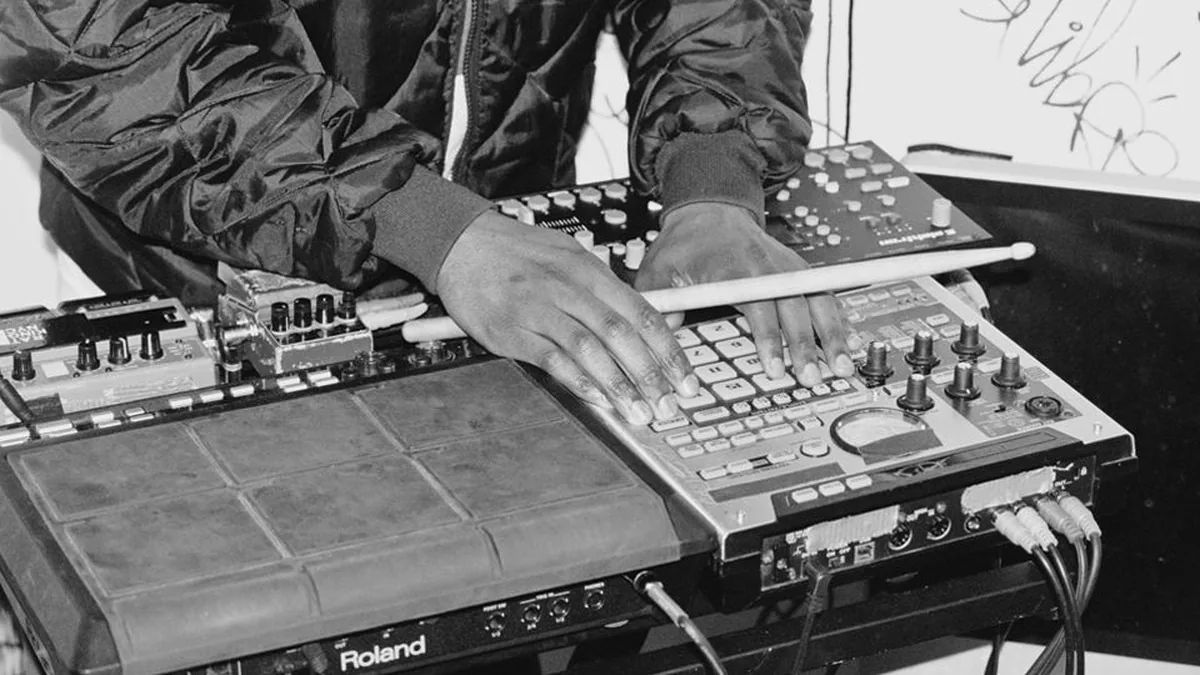
Start with one loop, get its timing right and give it a specific job. Then arrange where it plays. More percussion should add movement, not give the vocal another thing to fight.
An RC-20 preset sets up the effect. A WAV texture is audio you arrange alongside your music. They can work together, but they need different tools and different decisions.
Stems combine related parts into groups; multitracks keep individual recorded or programmed parts separate. People use the names loosely, so agree on the actual file list and processing before exchanging anything.
Send the idea you have, explain what should stay and identify what needs help. Add a few specific references, the project size and any real deadlines. The brief should start a conversation, not pretend every decision is finished.